Integrations
Works with the tools you already use.
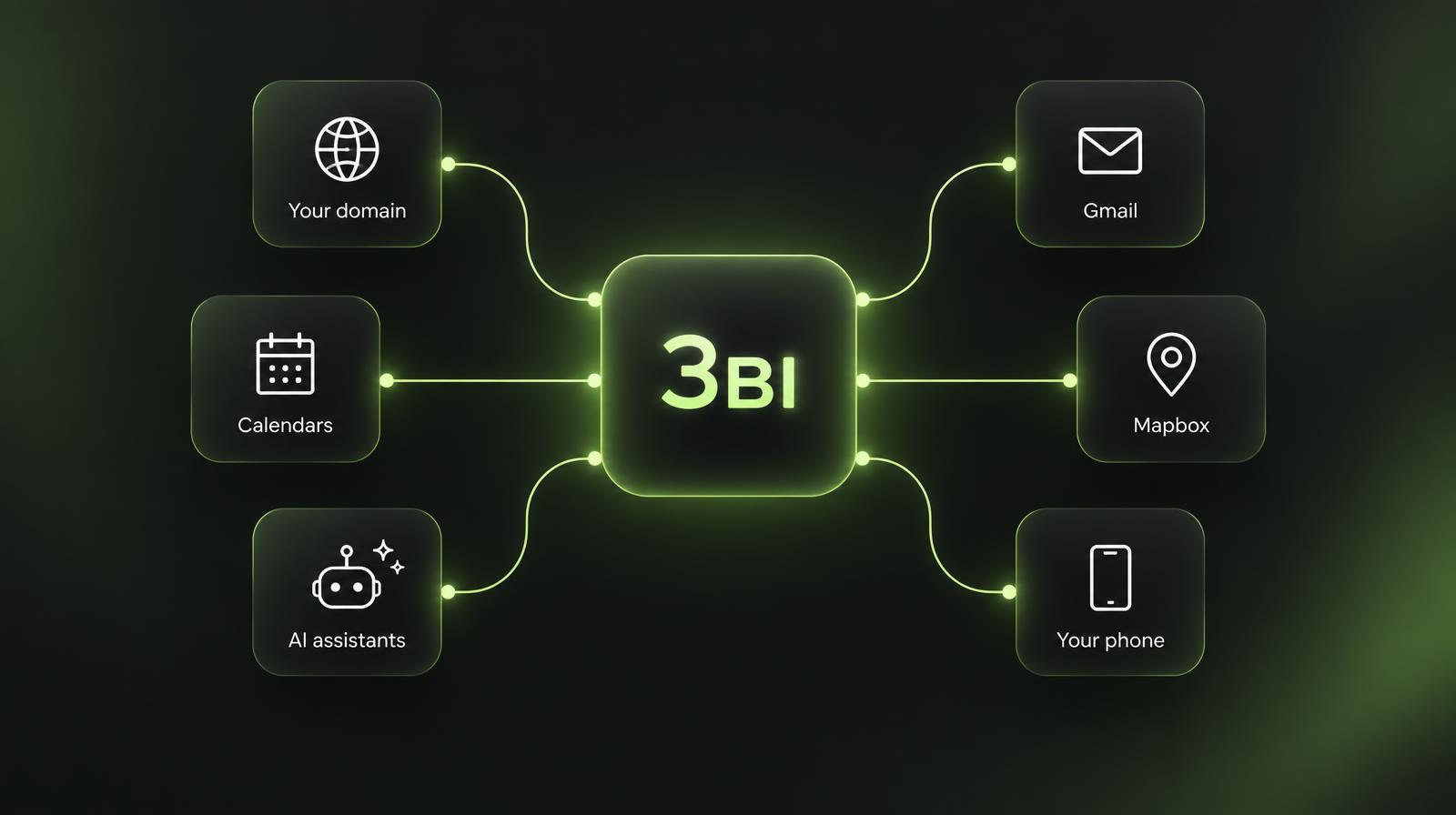
Keep your domain, your calendar app and your Gmail. 3ʙɪ connects to them — and its five apps connect to each other — with nothing extra to install.
See it in action
Everyday tools
Built in — just sign in or copy a few records.
AI tools
Let AI assistants like Claude, Cursor or ChatGPT-style tools read, send and tidy your 3ʙɪ Mail — with a personal key you can turn off any time.
- Create a key in 3ʙɪ Mail → Integrations and pick what it can do: read, send, organize. It's shown once.
- Add it to your AI tool using the setup below.
For developers: setup code
Server: https://3bi.io/api/public/mcp (Model Context Protocol, Streamable HTTP) with header Authorization: Bearer YOUR_KEY.
{
  "mcpServers": {
    "3bi-mail": {
      "url": "https://3bi.io/api/public/mcp",
      "headers": { "Authorization": "Bearer YOUR_KEY" }
    }
  }
}{
"mcpServers": {
"3bi-mail": {
"command": "npx",
"args": ["-y", "mcp-remote", "https://3bi.io/api/public/mcp",
"--header", "Authorization: Bearer YOUR_KEY"]
}
}
}curl https://3bi.io/api/public/mcp \
-H "Authorization: Bearer YOUR_KEY" \
-H "Content-Type: application/json" \
-H "Accept: application/json, text/event-stream" \
-d '{"jsonrpc":"2.0","id":1,"method":"tools/list"}'Keys only see the account that created them. Revoke one and it stops working immediately. Today AI tools work with Mail.
Create an access keyEmail standards
The rules big inboxes expect, handled for you.
- Signed mail (SPF & DKIM)
- One-click unsubscribe
- Threaded replies in any mail app
- Calendar invites (.ics)
Questions
Do I need to be technical?
No. Most connections are built in — you sign in with Google or copy a few records into your domain provider, and we check them for you.
Do I have to move my domain?
No. Your domain stays where it is. You only add a few records.
Can I keep Google or Outlook mail?
Yes. Use a subdomain like inbox.yourbusiness.com for 3ʙɪ so your existing mail keeps working.
Which AI tools work with 3ʙɪ?
Any tool that supports the Model Context Protocol, like Claude Desktop, Cursor, Windsurf and VS Code. Today they can work with your Mail.
What if I need something that isn't listed?
Tell us with the form below — requests go straight to our team.
Request an integration
Need webhooks, AI access to Calendar or Drive, or something else? Tell us what you need.
Start with your domain.
Mail, Calendar, Drive, Meets and Maps — one account.
- Free to start
- No domain transfer
- Any domain provider